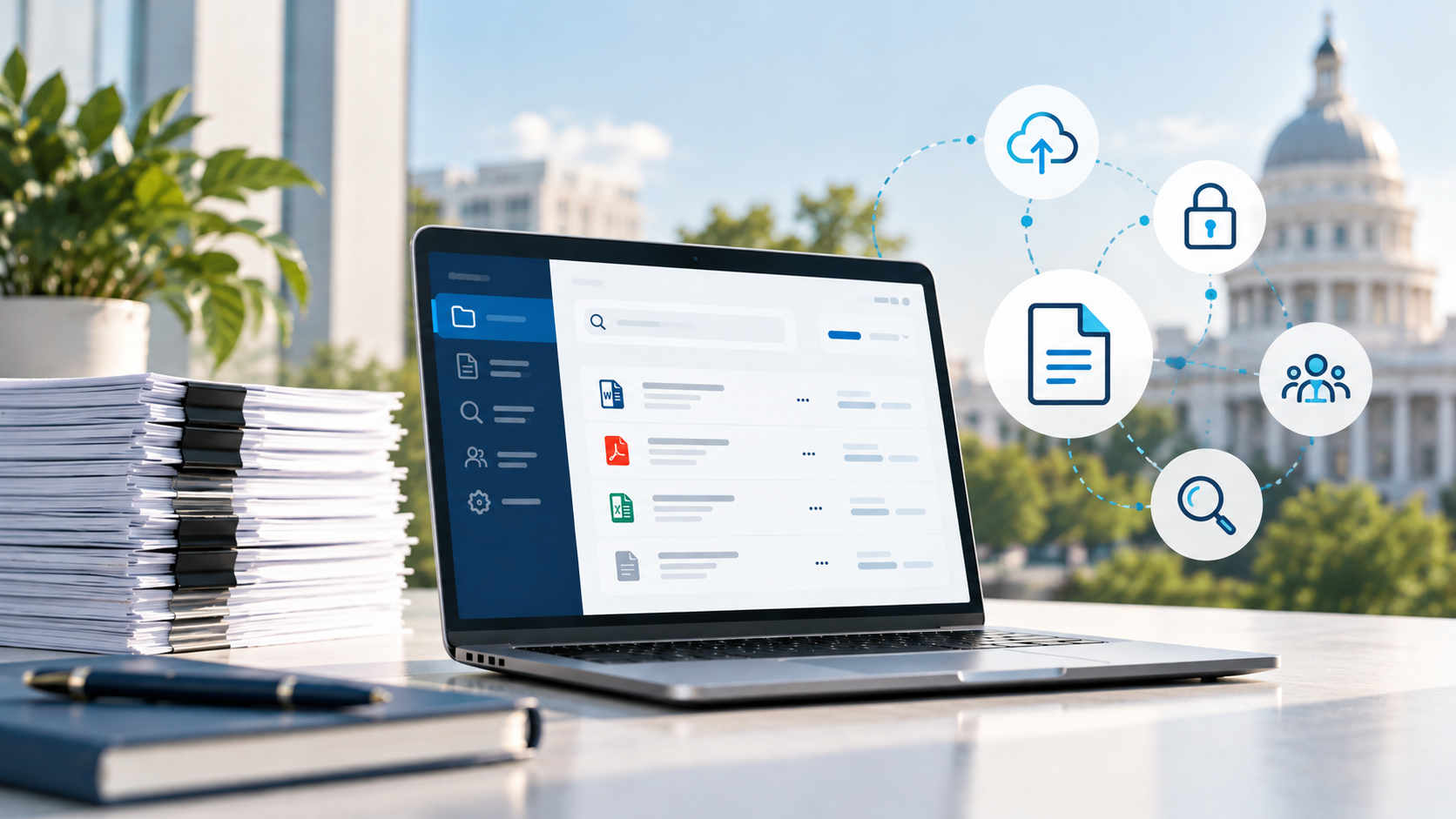
Over the past decade, the bar for public records has quietly risen. State retention schedules are more specific, public records requests arrive with tighter deadlines, and residents expect answers in days rather than weeks. For a small government, meeting that bar comes down to one practical question: where do your records live, and can you retrieve them on demand?
To give local government buyers a fair comparison, our research team spent July through September 2026 reviewing 20 document management systems used by governments across the United States. We scored each one against seven factors, weighted for what matters most to a small municipal office:
- Government records compliance (20%): native support for public records (FOIA) requests, state retention schedules, audit trails, and government accounting standards.
- Integration with municipal workflows (20%): whether records live inside the operations that create them, or sit in a separate archive that depends on staff filing everything manually.
- Cloud-native architecture (15%): no on-premise server to maintain, and full access for a team without dedicated IT.
- Government pricing model (15%): pricing built around annual budget cycles, without per-user fees or module costs that move year to year.
- Switchover support (15%): how much of the switch a vendor handles for you, from data transfer to configuration to training.
- Support model (10%): named contacts with documented response times score higher than an anonymous ticket queue.
- Ease-of-use for lean teams (5%): how approachable the system is for non-technical staff who manage records alongside a dozen other duties.
We used that scoring to rank the full field. The six leaders are in the table below, with a closer look at each following.
Best Document Management Systems for Local Government At a Glance (2026)
*None of these vendors post public pricing. Each one quotes based on a community's size and the modules it needs, so this column describes how the quote is built rather than what it costs.
1. gWorks, for records built into everyday operations
Where most systems treat filing a record as a separate task someone has to remember to do, gWorks builds it into the work itself. A work order logged in gWorks Operations creates its own maintenance history. A billing cycle in gWorks Financials posts straight to the general ledger. Each 811 utility locate ticket adds to a compliance log as it closes. Your documentation builds as the work gets done, so nothing waits on someone remembering to file it later.
gWorks works with more than 2,000 communities across 48 states, and has earned a spot on the GovTech 100 for six years running. Support comes from a named contact who knows your account, not an anonymous ticket queue, and answers are provided the same day. When a community decides to make the switch, gWorks does the heavy lifting: data transfer, configuration, and training, with most offices up and running in 60 to 90 days. For a community that wants its records to live where the work already happens, backed by a support team that picks up the phone, gWorks leads this list.
- Founded: 1978
- Pricing: Quote-based, structured around annual budget cycles with no per-module fees
- Services: Fund Accounting, Utility Billing, Payroll/HR, Work Orders, Asset Management, 811 Compliance, Citizen Services
- Best fit: Communities under 50,000 that want records built into their day-to-day operations
Summary of online reviews: Clients describe seamlessly integrated modules that translate to concrete time savings, and a genuinely responsive support team. Some note that getting used to certain features takes a little while depending on the system they switched from.
2. Laserfiche, for records retention and FOIA automation
Laserfiche is one of the most widely deployed records systems in local government, built for the full document lifecycle: capture, classification, retention scheduling, FOIA response automation, and disposition on a state-compliant timeline. For an agency with a formal records obligation, from state archives compliance to litigation holds to e-signature workflows, it offers a depth that operational systems simply aren’t designed to match. The software gives a records manager the tools to both define a document's lifecycle and to enforce it.
With a records manager or IT staff to configure retention rules and build automation, Laserfiche runs as a streamlined records system, holding each document for exactly as long as the law requires and no longer. That depth rewards an agency built to use it, but a smaller office without those roles will find setup takes more internal work than most systems in our ranking. Operational records like work orders, billing history, and asset logs still live in other systems as well, so some coordination with core municipal software remains part of the job.
- Founded: 1987
- Pricing: Quote-based, priced by module
- Services: Document Management, Records Retention Scheduling, FOIA Automation, Workflow Routing, E-Signatures
- Best fit: Agencies with a records manager and the staff capacity to run a formal compliance program
Summary of online reviews: Users praise Laserfiche for its automated workflows that reduced their administrative burden and document organization that brought structure to previously scattered filing environments; some flag complex setup and a steep learning curve as primary obstacles to switching.
3. Granicus, for public meeting records and transparency
Granicus handles the records side of public-facing government: meeting agendas, board packets, minutes, public notices, and legislative records. Its agenda tools run at thousands of local government bodies, and its searchable archive gives residents and staff a dependable way to find decisions from past meetings. For a city clerk who spends real time managing the record trail of every public meeting, that’s exactly the job Granicus was built for.
Granicus’ main appeal lies in its focus: it does one job and does it thoroughly, giving clerks and residents a reliable record of every meeting and decision. It doesn't reach into public works, finance, or utility billing records, so an agency that wants one system for both meeting records and everyday operations will need other tools for the rest. Smaller communities with fewer meetings may also find the full suite carries more cost and setup than their volume of records calls for.
- Founded: 1999
- Pricing: Quote-based
- Services: Agenda Management, Meeting Minutes, Public Notices, Board Packet Tools, Legislative Records Archive
- Best fit: Local governments with active public meeting programs and open-government requirements
Summary of online reviews: Users call Granicus dependable for meeting management and praise the searchability of its archive. Some note that updates have required retraining staff used to the workflow and features of earlier versions.
4. OpenGov, for cloud finance and transparency
OpenGov brings budgeting, financial reporting, and civic transparency together in one cloud system. Its strength in records management is on the financial side: annual financial reports, capital plans, and budget documents that staff and residents can open in structured, searchable formats. For a Finance Director juggling cross-department budget documentation and council-facing presentations, OpenGov is built to handle that work capably.
OpenGov is sized for mid-size and larger agencies with full-time finance and IT staff, and it serves them well. With that said, a community under 10,000 that mainly needs operational records across public works, billing, and daily administration may find the tool’s finance focus a mismatch for what they actually need.
- Founded: 2012
- Pricing: Quote-based, enterprise tier
- Services: Budgeting, Financial Reporting, Permitting, Civic Transparency Portal, CAFR Reporting
- Best fit: Mid-size agencies that want cloud financial reporting and public transparency in one system
Summary of online reviews: Reviewers praise OpenGov for its transparency tools and clear council-facing budget presentations. Some note that standard reporting had scope limitations early on, and that teams moving from spreadsheets need time to learn the system's full feature set.
5. Hyland (OnBase), for enterprise content management at scale
OnBase is an enterprise content management system built for larger county governments and regional agencies that handle high document volume across many departments. It captures documents, routes them through approval workflows, and manages retention at scale. For an organization with hundreds of employees and complex obligations across multiple jurisdictions, OnBase offers the configurability to build custom workflows and retention rules for each department's document types.
OnBase excels on scale. An agency with the IT staff to configure it gets a system that can model nearly any department's document process, however specific. However, that same depth is what makes it a heavier lift for a smaller community: setup and administration assume in-house IT, and the pricing and support model are built for larger organizations. A smaller community that wants a system it can run on its own will usually do better with software built for their scale, not one scaled down from enterprise systems.
- Founded: 1991
- Pricing: Quote-based, enterprise tier
- Services: Content Management, Workflow Automation, Case Tracking, Records Retention, Document Capture
- Best fit: County governments and large agencies with dedicated IT and complex, multi-department records needs
Summary of online reviews: Users describe Hyland as a Swiss Army knife capable of handling nearly any content workflow, and praise the system's low-code tools for building complex process automations; reviewers consistently flag implementation complexity and note that the system can be disorienting for new users without structured onboarding support.
6. Accela, for permitting and inspection records
Accela handles the records tied to permitting, code enforcement, and civic services. Each permit becomes a structured record with attached documents, fee history, inspection logs, and status tracking, all inside a workflow a planning or building department can follow from application to final approval. For an agency processing real permit volume, that structured documentation is where Accela shines.
That focus pays off for the right department: a team living in permits and inspections gets a clean, complete trail on every case, from application to final approval. However, Accela doesn't extend to financial records, utility billing history, or public works asset documentation, so a community that wants a single system across those functions will need other tools alongside it.
- Founded: 1999
- Pricing: Quote-based
- Services: Permitting, Code Enforcement, Business Licensing, Inspection Management, Civic Services Records
- Best fit: Planning and building departments with high permit volume and structured inspection workflows
Summary of online reviews: Users describe solid core functionality for permit and complaint tracking and an intuitive user interface. Some flag that the system's search architecture is limited, and that report writing lacks the flexibility some agencies need.
The Best Document Management Systems for Local Government by Category
We also grouped the leaders by the choices buyers weigh most often.
Best document management systems for small communities
- gWorks: records live inside the operations a small office already runs, and gWorks manages the switch, including data transfer and training.
- Laserfiche: a capable records system for a small community that has the staff to configure and maintain a formal program.
- Granicus: practical for a small government with steady public meeting and transparency obligations.
Best document management systems for government records compliance
- Laserfiche: built for state retention schedules, FOIA automation, and full lifecycle management.
- gWorks: audit trails, fund accounting documentation, and compliance records that build inside live workflows.
- Granicus: strong for meeting records, legislative history, and open-government compliance.
Best document management systems for operational records (work orders, assets, billing)
- gWorks: work orders, maintenance logs, asset inspections, and billing history are native to the system, with no separate document layer to keep up.
- OpenGov: financial and budget documentation inside a cloud transparency system.
- Accela: permitting and inspection records inside a structured civic services workflow.
Last updated: October 2026.